What's new
The changes that matter to you, newest first.
- v1.3.0
Planamis 1.3
Plan your Halloween party
Choose the Halloween template when you create a space. It comes with a note for costumes so nobody repeats one, a poll for the best costume, a list of things to bring, and an expense card for the party. Delete anything you do not need.
A night look for Halloween spaces
Halloween spaces get a night header with a moon and a bat, and the look follows you to expenses, notes, games, and every other page of the space. Switch any space between Normal and Halloween from its header.
Purple dark mode for the season
Until November 2, dark mode turns purple across the app, and in light mode the top bar turns night.
- v1.2.0
Planamis 1.2
Save together in a piggy bank
Start a piggy bank from the Add menu to save for something as a group. Invite friends with its link or PB- code, and guests can join without an account. Everyone records what they put in and shares one budget split, and the assistant can draft deposits and budget changes for you to review before anything is saved.
Turn savings into a hangout
When the group is ready, turn a piggy bank into a virtual space in one step. Its budget lines become expense cards with their own budgets, and the people you pick come along. The space shows what each card has spent against its budget, next to what the piggy bank saved.
Find your piggy banks
Piggy banks have their own tab in your spaces list. Search them by name or member, filter by your role or whether they are saving, linked, or archived, and sort by date or name.
An assistant that remembers where you are
Tell the assistant where the hangout is once and it keeps that location in new conversations in the same space. Ask it to forget the location whenever you want.
Closed spaces close for everyone
When a space is finished or deleted, everyone still in it is sent back right away instead of working in a space that no longer exists.
Steadier drawing games
Drawings now stay in sync for everyone in the space, and a canvas recovers its strokes if your connection drops for a moment.
More complete translations
Spanish and Portuguese now cover the rest of the app, including error messages from the server.
- v1.1.0
Planamis 1.1
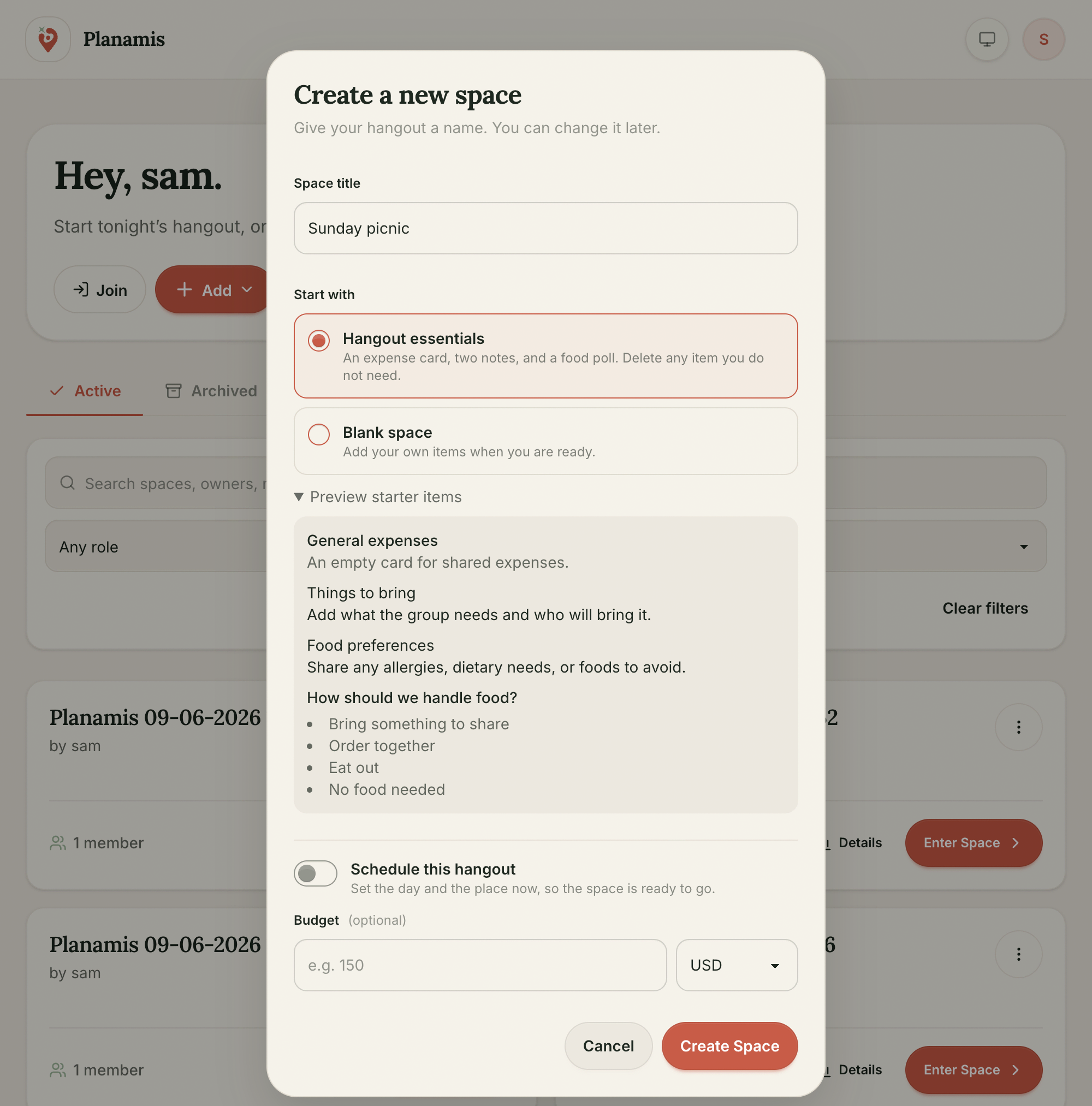
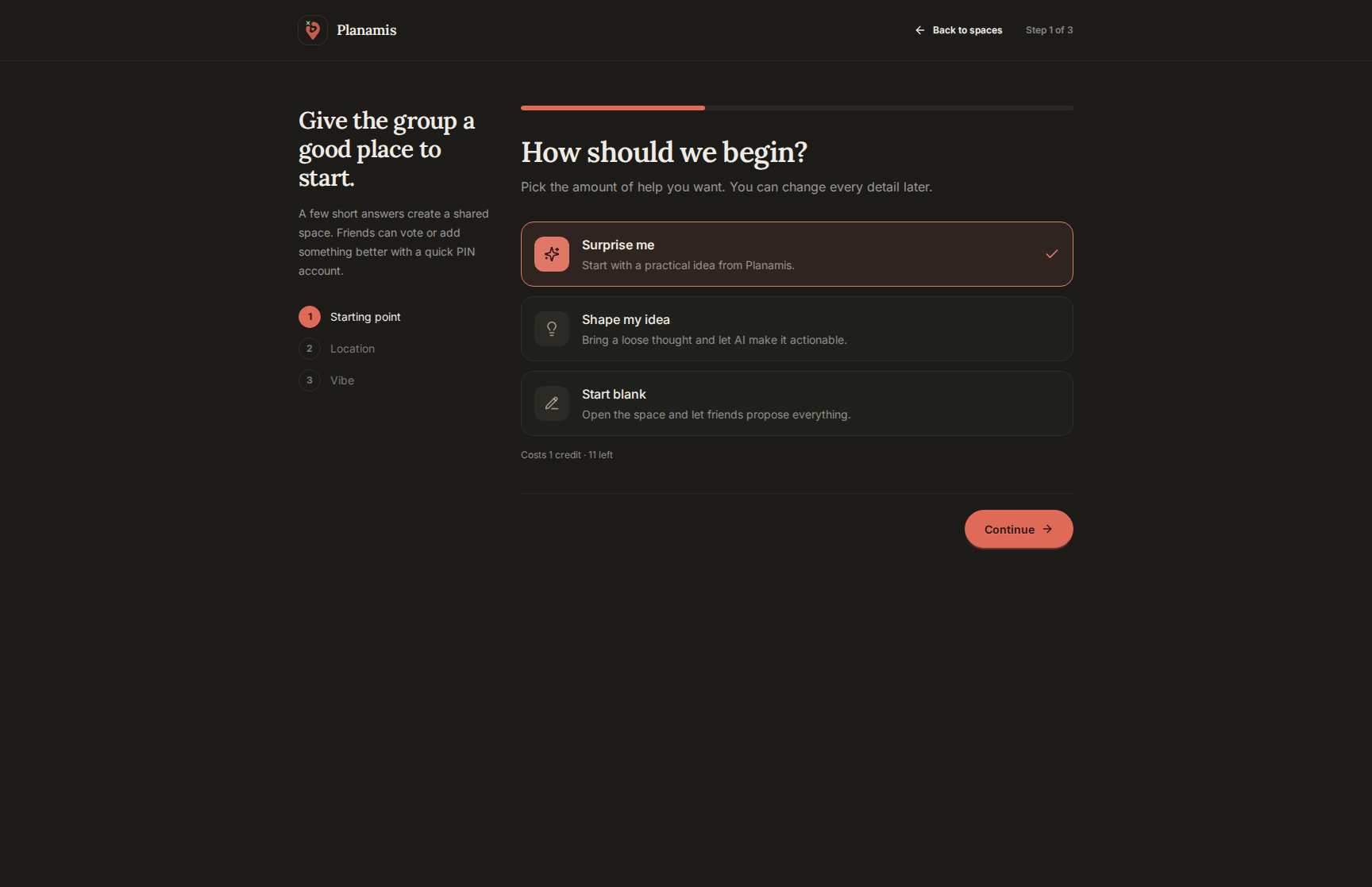
Start with hangout essentials
Create a virtual space with an expense card, notes for things to bring and food preferences, and a food poll. Delete anything you do not need, or choose a blank space and add your own items.
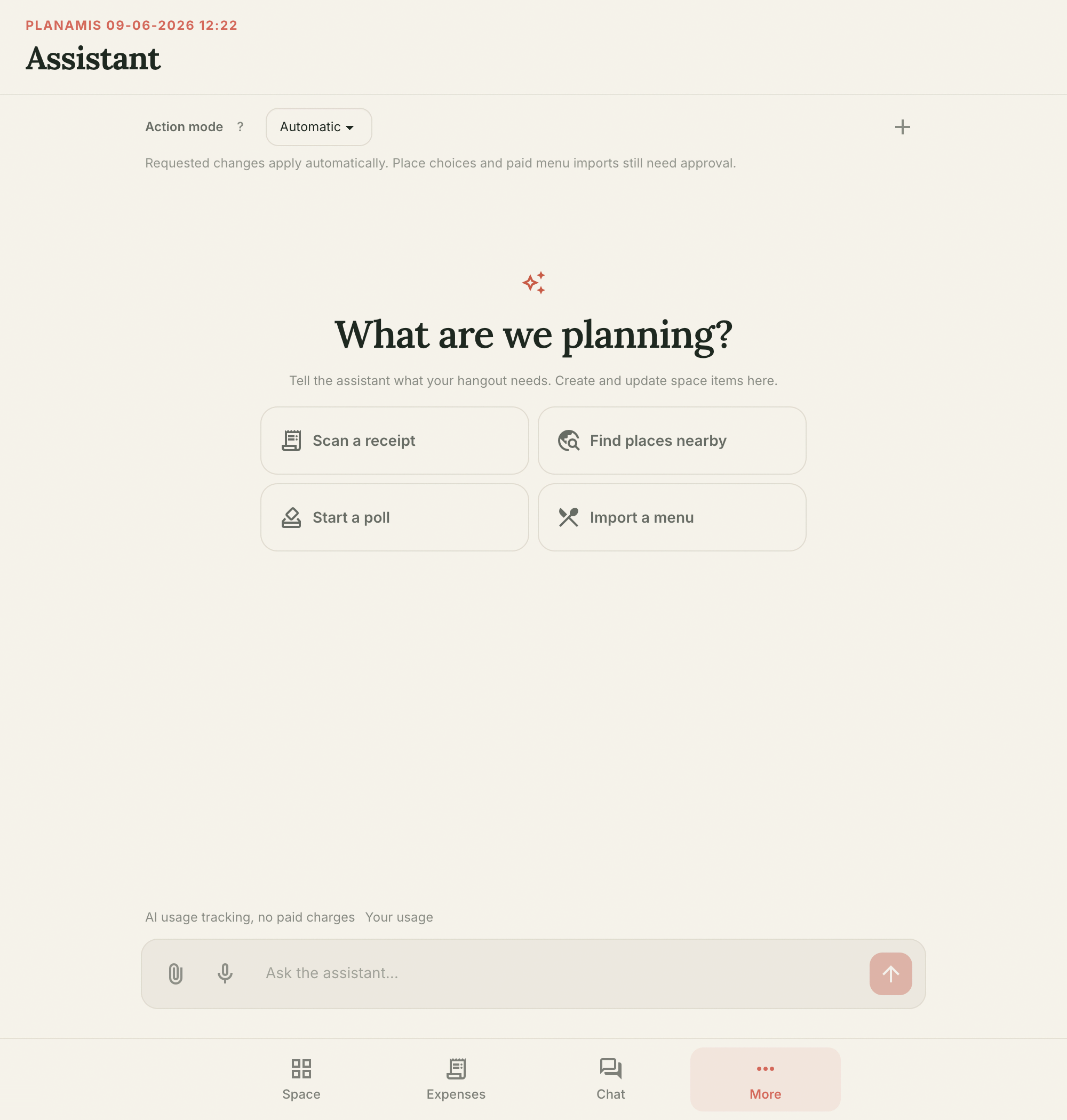
More room for conversations
Open the assistant on its own page to focus on planning. Mobile group chat now has a dedicated page too, with simpler navigation between your space and its conversations.
Check your plan and usage
Access your plan and usage from the spaces list. Usage and AI balance updates appear as they change, and shared plan comparisons make it easier to see what each plan includes.
More complete translations
Spanish and Portuguese now cover more of the app, including shared menus and error messages, with corrected labels throughout.
- v1.0.0
Planamis 1.0
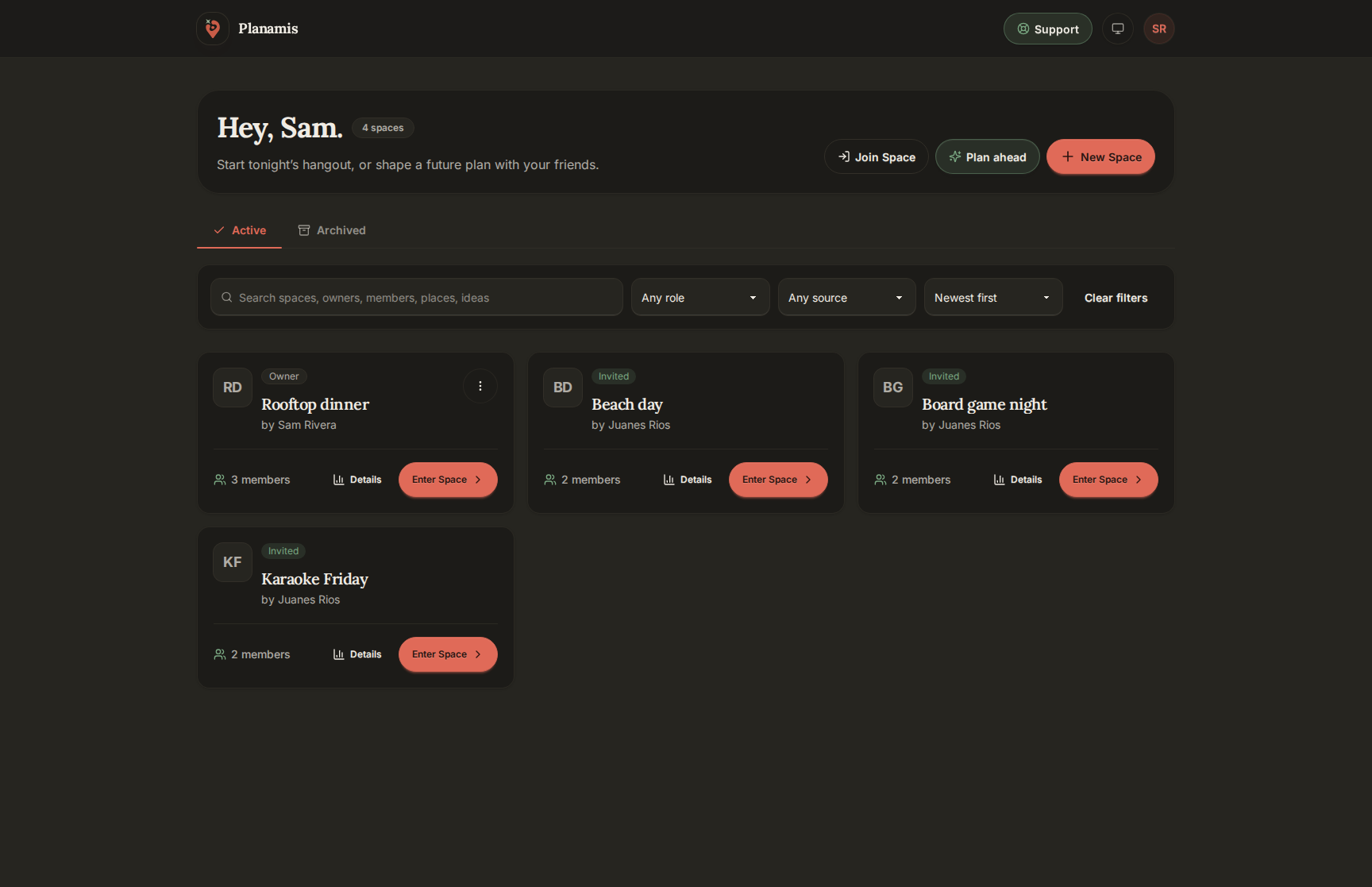
One virtual space per hangout
Create a space for each get-together and invite friends with a link, a guest code, or a QR. Guests join without an account, and you can add offline people so expenses include them. Search and filter your spaces, archive the old ones, and rate a hangout once it happens.
Plan it together
Start a plan before the hangout exists. Share a public link so friends can vote on ideas without joining, let the AI build a plan from a city and a mood, then finalize the date when the group decides.
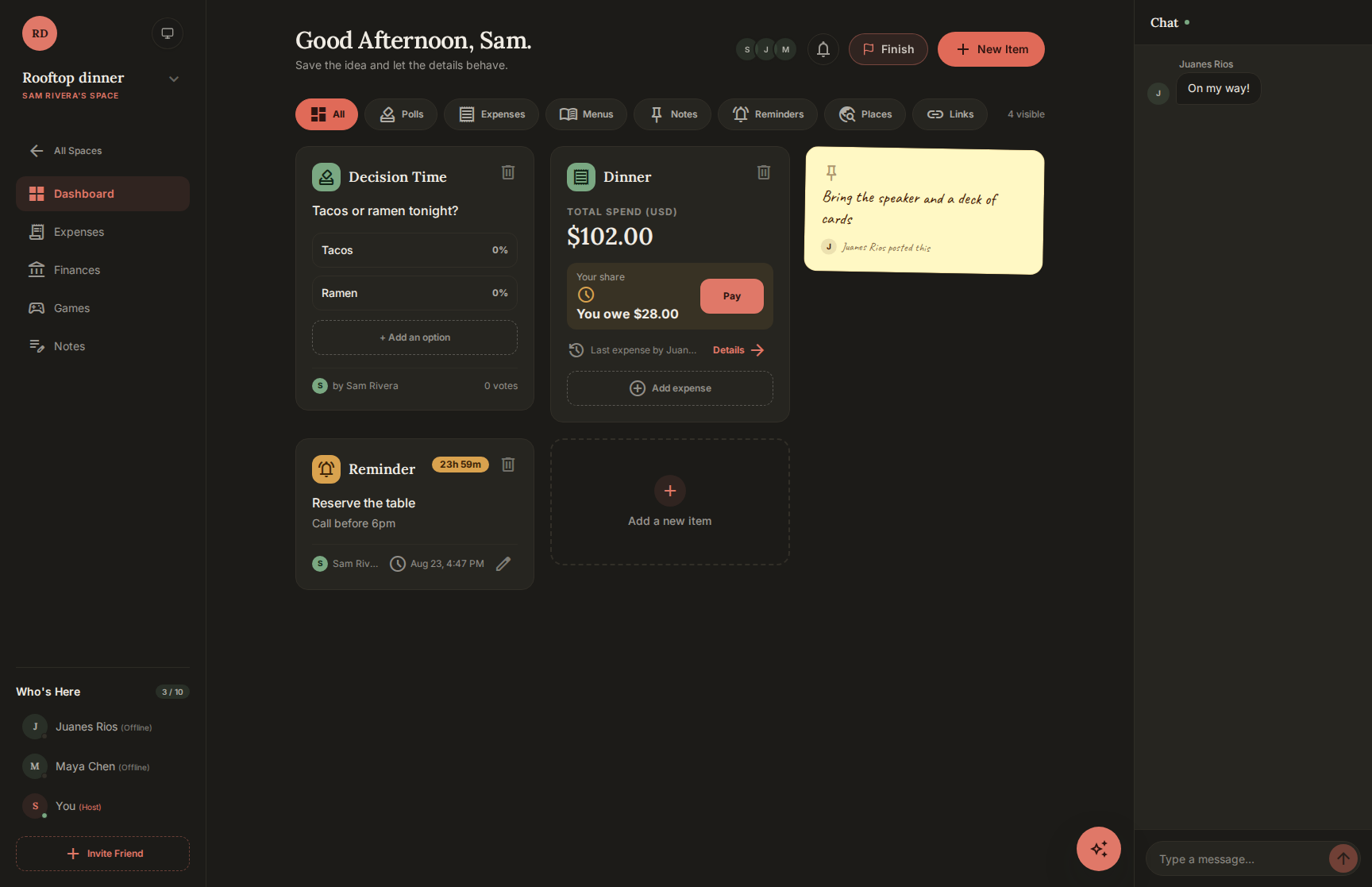
Everything the group needs in one board
Polls, notes, reminders, saved places, links with previews, and menus live side by side. Reminders ping everyone in real time, and the chat sits next to the board.
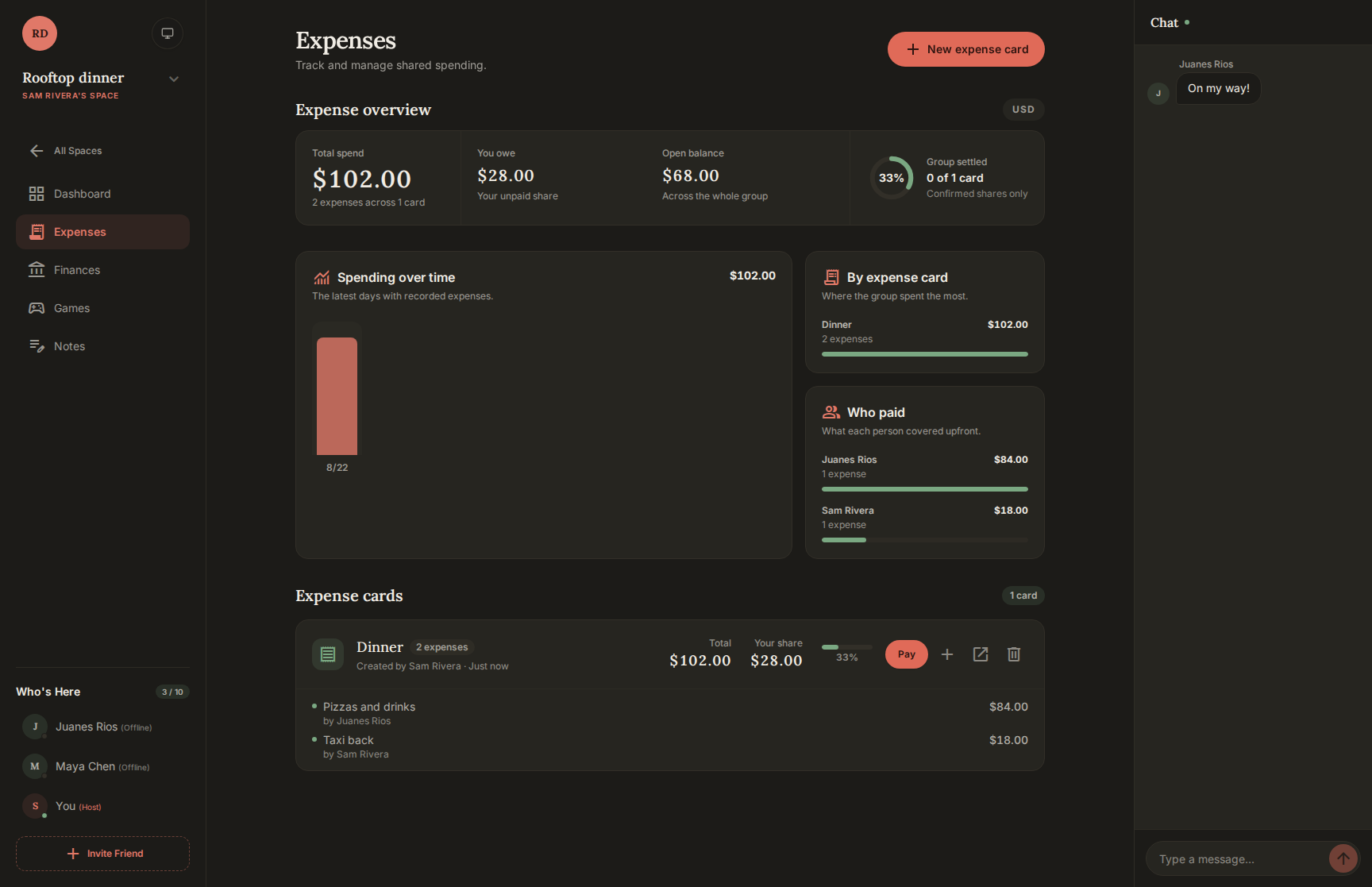
Expenses that settle themselves
Group costs on expense cards, split them equally or by amount, and scan a menu to turn what each person ordered into an expense. Whoever owes marks their split as paid, whoever is owed confirms it, and your own share settles right away.
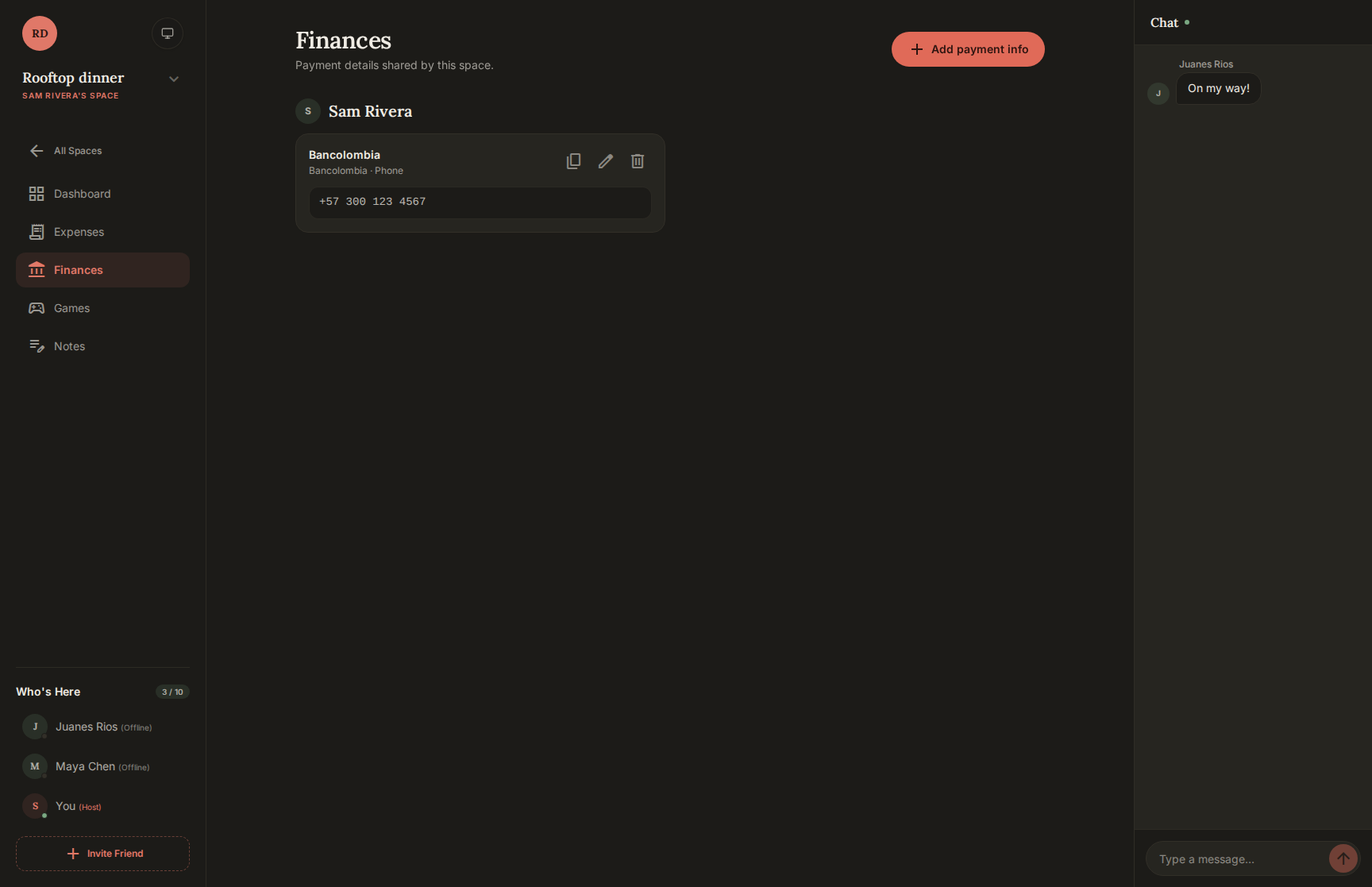
Get paid your way
Share how friends can pay you: a bank account, a Bre-B key, a QR image, or a payment link such as PayPal or Venmo. Save a default once and every new space gets it.
Hangout games
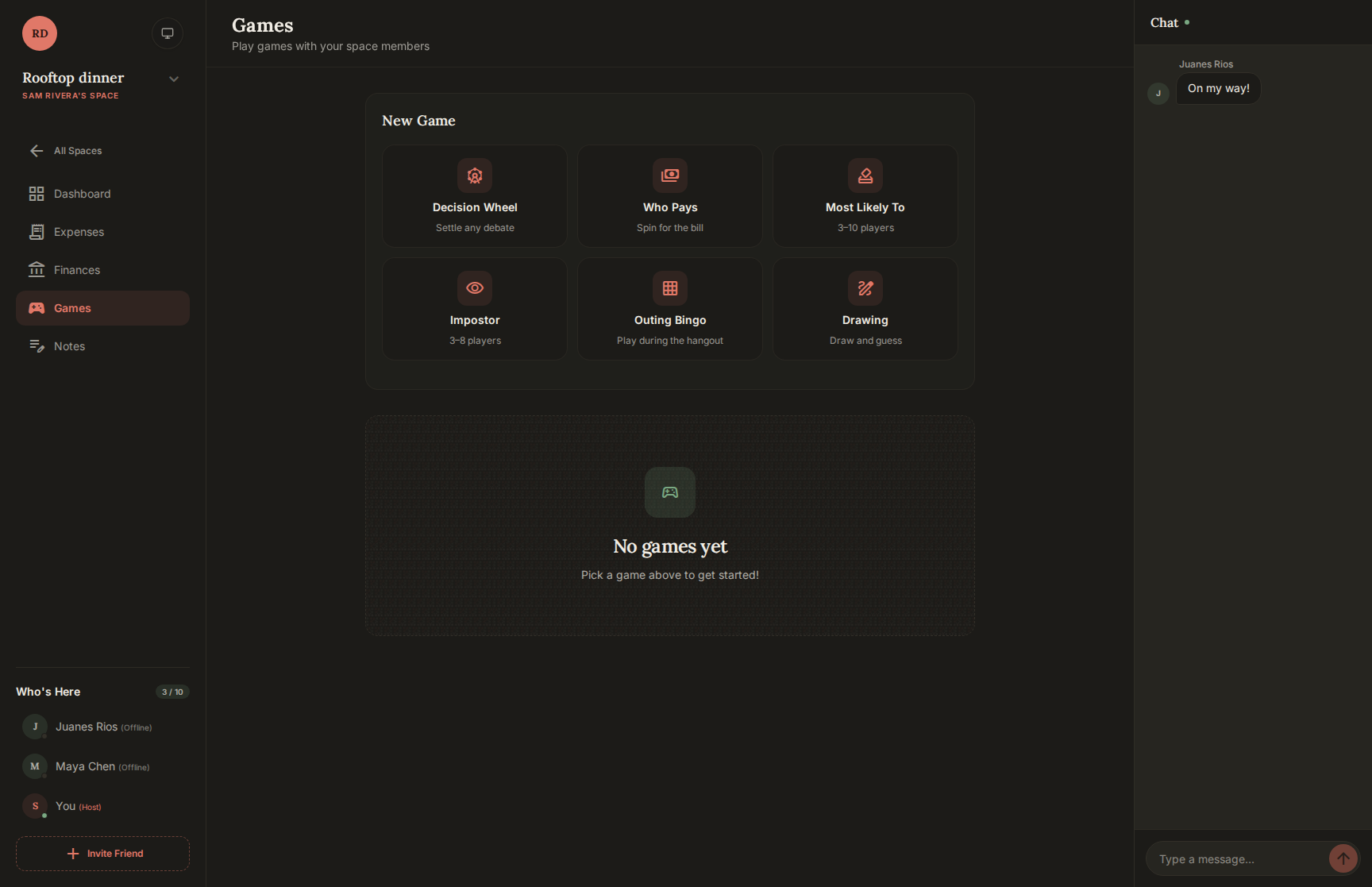
Spin the Decision Wheel, let Who Pays pick the bill, and play Most Likely To, Impostor, Outing Bingo, and Drawing with everyone in the space, guests included.
An assistant inside every space
Ask the assistant for ideas or tell it to add a poll, a note, a reminder, or an expense. It prepares a proposal and nothing changes until you confirm it. It also learns from the hangout ideas you rate.
Spending insights
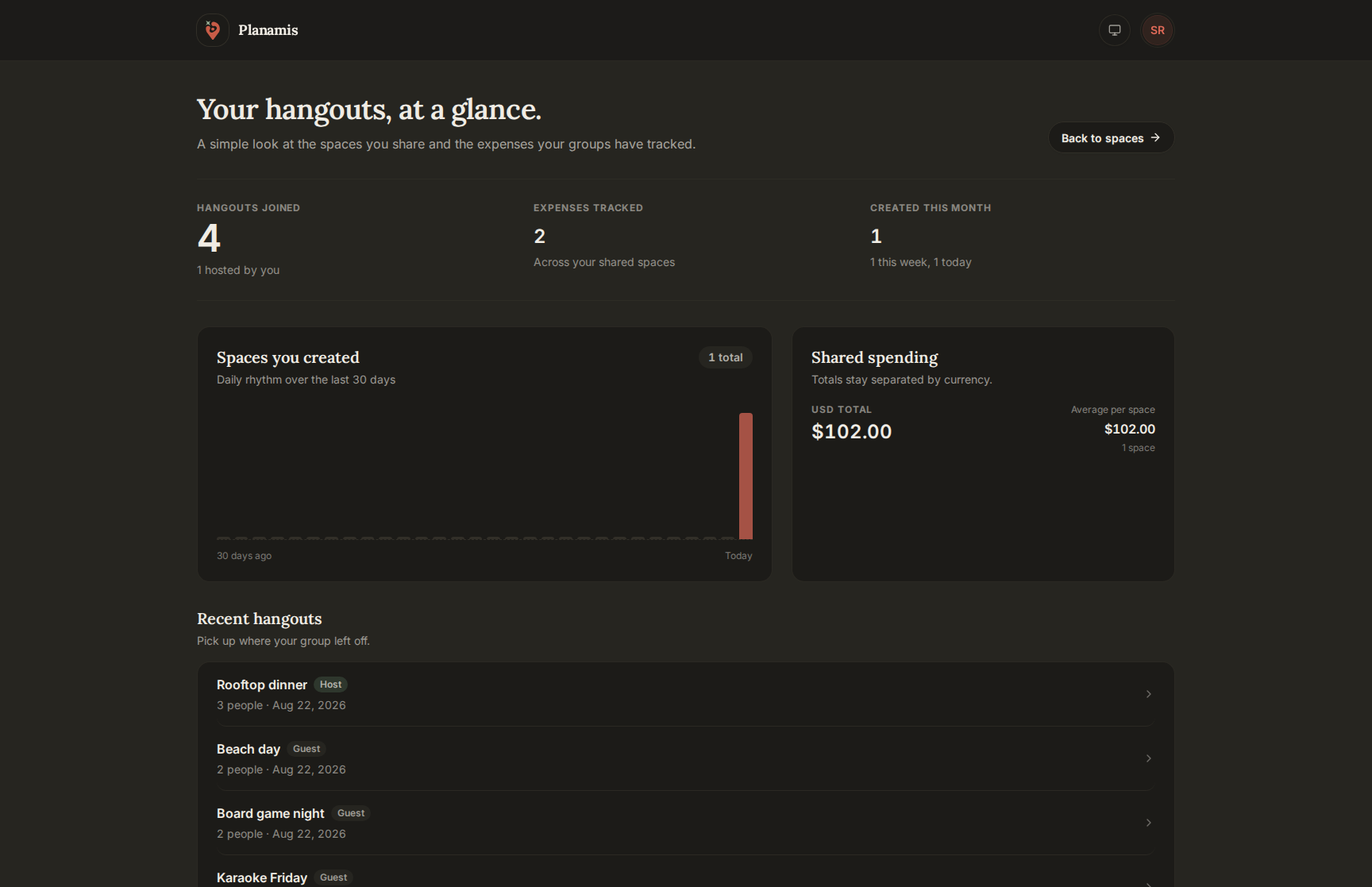
See what each hangout cost, who paid, and how your spending moves over time, per space and across all of them.
Sign in your way
Use a password, Google, or a username and PIN. Turn on two-factor authentication when you want the extra lock.
Your language and your look
Planamis speaks English, Spanish, and Portuguese, and follows your light or dark preference.
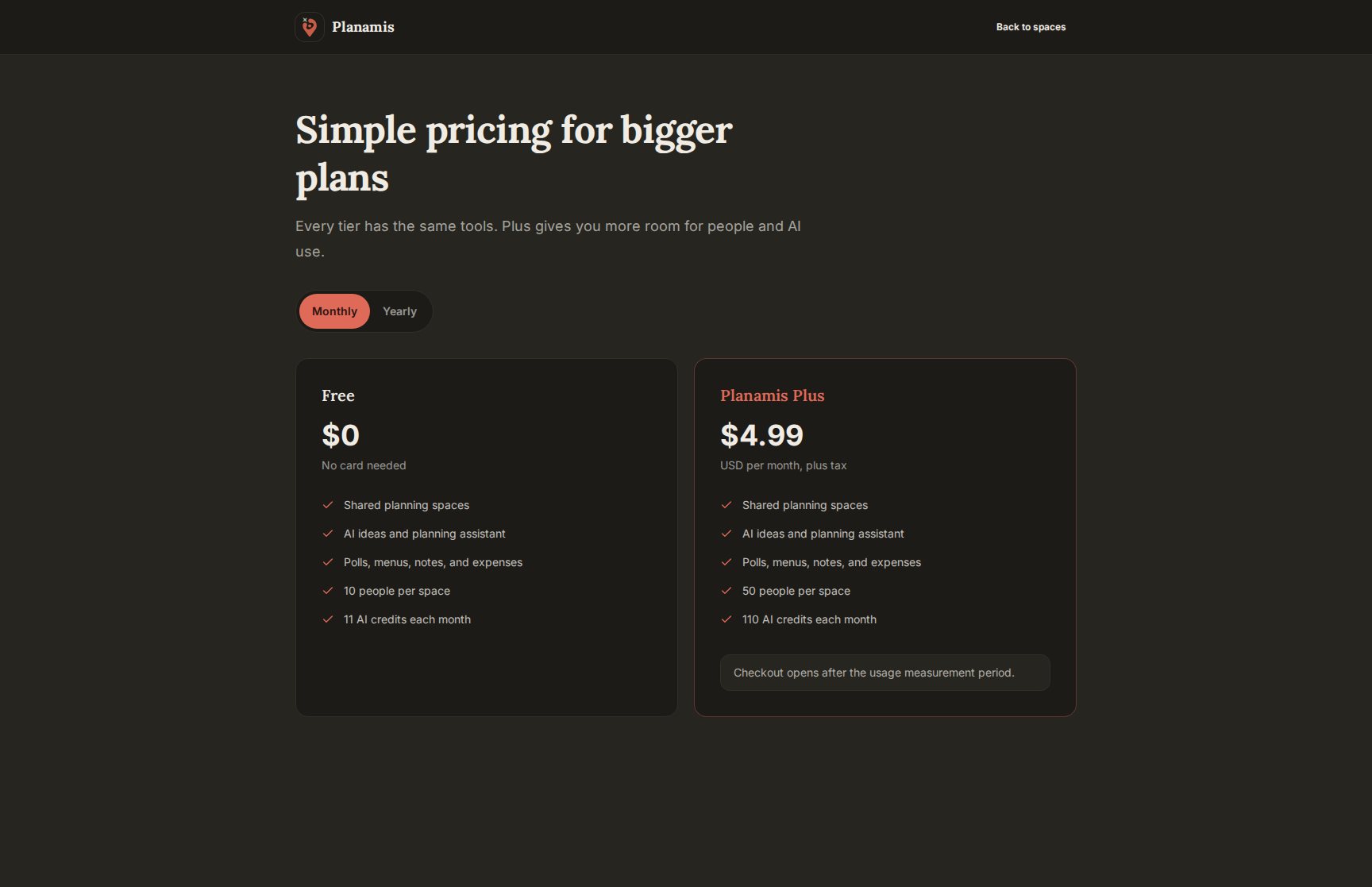
Planamis Plus
The free tier covers a full hangout. Plus adds more AI Credits and more room for people in each space, billed monthly or yearly.